 Suryansh Mishra
Most of the people who decide whether to buy Alethman will not use it every day. They will read what it produces. So this post is about the output: what a team gets from the dashboard each morning, and what it has to decide to get it.
A workspace shaped by a few answers
A team's workspace on dash.alethman.com is set up through a short walkthrough that asks one question at a time: which sectors matter to you, which states or countries, how you want reports put together and how often, and whether you have sources of your own to add. The answers build the workspace. Everything can be changed later in Settings, and the panels on the overview can be rearranged or hidden.
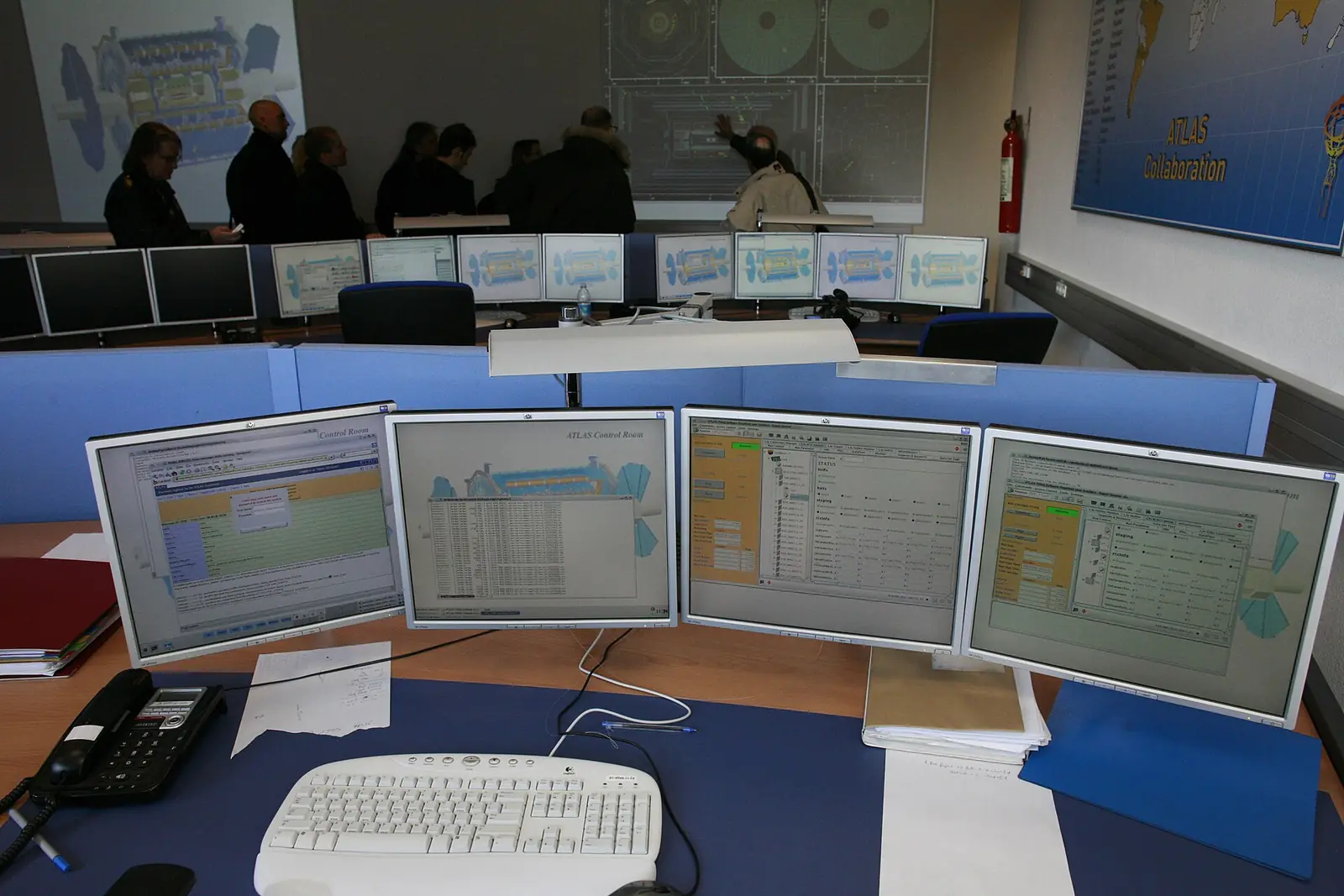
There are 19 sectors, from banking, finance and markets to energy and power, public order and unrest, and the media and information space. The geography can be a set of states, all of India, or national news, and a workspace can follow other countries as well. A team's own feeds, RSS or Atom, sit beside the engine's sources and appear in reports under their own heading.
Seats are issued by us; there is no public sign-up. Each person has a role: owner, admin, analyst or viewer. Every sign-in takes a password and a six-digit code sent to the person's email. Every change to a setting, an API key, a member or a report is written to an audit log.
What lands in the inbox
A report is compiled on the schedule the team chose: every day, weekdays only, every week, every two weeks, every month, or only when someone asks. When it is ready, it arrives in the workspace inbox, where it can be read on screen, printed or downloaded.
The team chooses how deep it goes. A Brief is one page: the three readings that matter, one line each. A Standard report is a working brief with five items a section and the basis for each. A Dossier carries everything in scope, with every driver and forecast listed. Any of them can be organised by sector, by state, or as one list with the highest reading first.
The team also chooses which sections appear:
- Key judgements. The readings that matter most this period, flagged where a sector crossed the threshold the team set. If nothing did, the report says so in one line instead of inventing urgency.
- Sector outlooks. For each sector, a reading from 0 to 100 (low, guarded, elevated, high or severe), its direction, how far it moved from the reading before, and the stories driving it.
- Top stories. The stories carried by the most independent outlets in scope, each with its count of outlets and of articles.
- State watch. For each state in scope, how much was reported and the stories leading it.
- Forecasts. Open yes-or-no questions in the team's sectors, each with a probability and a date by which it resolves, the ones that resolved this period, and a running score of how well the forecasts have done.
- Coordination. Findings where separate stories in scope share an organiser or a called action, each with an evidence grade.
- Your sources. What the team's own feeds carried in scope.
A team can also switch on screenshots. A printed report then carries an image of the opening screen of every article it names, set under its story. If an outlet's site refuses the visit, the next outlet's copy of the same story is used. That matters in a meeting when someone asks "where did this come from?" and the answer needs to be on the page.
Alerts between reports
Reports come on a schedule. Alerts come when something happens. A team picks which of these it wants in its inbox:
- one of its sectors crosses its threshold;
- a sector is rising against its previous reading;
- a new coordination finding touches its scope;
- a forecast in its sectors resolves, either way;
- a report is ready;
- one of its own feeds stops answering three times in a row.
Each alert is raised once per reading, however often the system checks, and links to the page that explains it. Each person can star, archive or mark items unread for themselves.
Why every line has a source
The design rule I care most about here is that every number carries where it came from. A sector reading lists the stories driving it. A story lists its outlets and links to each article. A count of outlets counts outlets that did their own reporting, not reprints of the same wire copy. The readings come from the engine; the dashboard itself calls no model, so what a team sees is what the engine read, not something rephrased on the fly.
That is also why we are strict about what the product will not say. It does not tell a team which side of a story is true. It does not profile private individuals. A coordination finding is a graded reading of how outlets carried an attribution, never a verdict on who is behind something. A person decides.
What it asks of a team
Very little, once it is set up. The quality of a report depends mostly on the choices made at the start: the sectors and places that matter, a threshold that flags what the team would actually act on, and a depth that suits whoever reads it. We set up the countries, topics and people for each new workspace, and the team can adjust all of it as it learns which alerts it reads and which it skips.
For teams that build their own tools, the same readings are available through an API with scoped keys that can be set to expire.
If you want to see a report built around the questions your team asks, talk to us. Every plan is a custom quote, shaped by coverage, team size and products; the pricing page explains how.
Posts on this blog are the signed views of their authors. Alethman News reports the news; this blog argues about it.